

Purchase Inbox is a simple, fast and easy-to-use tool for entering your incoming documents in your accounting software. It is a place where all your incoming bills, invoices and receipts related to your business expenses automatically go to.
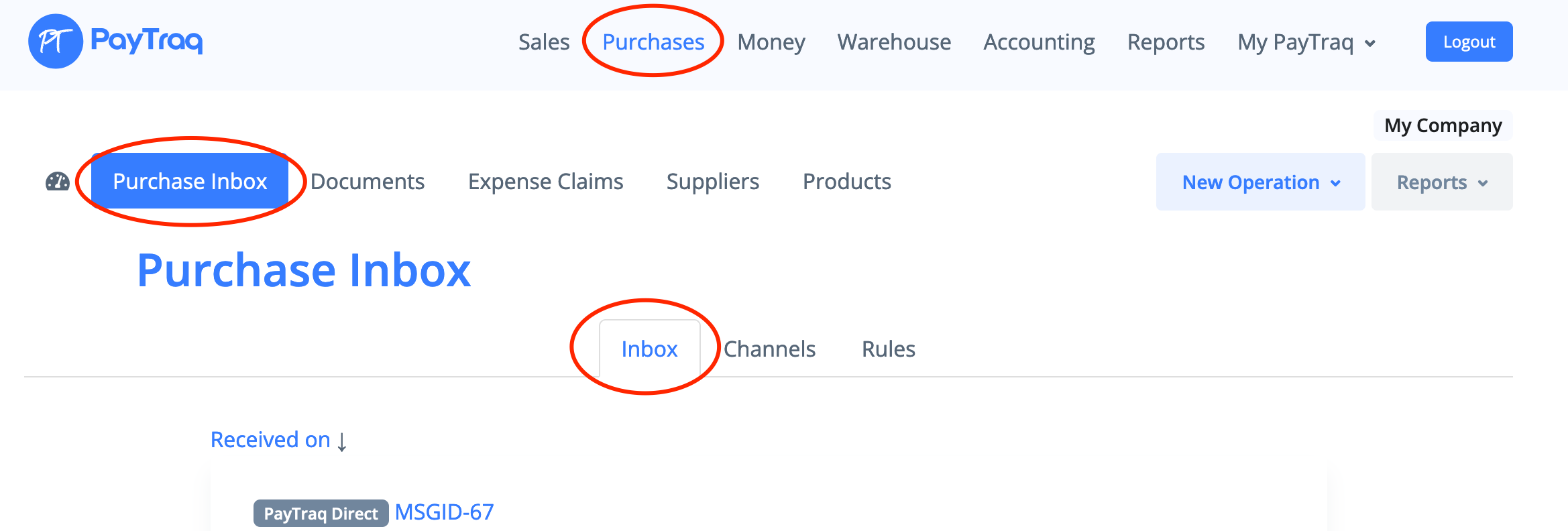
The files go to your Purchase Inbox through channels or can be also uploaded directly through Purchases -> Purchase Inbox -> File Uploads (Paytraq Direct channel should be active for e-invoice (XML) file uploading).
Inbox works just like your personal email account, it will keep all incoming messages, received through any channel.
Purchase Inbox also contains a list of auto-complete rules that you can create by yourself. Using auto-complete rules make messages processing much easier.
The following channels are available for activation:
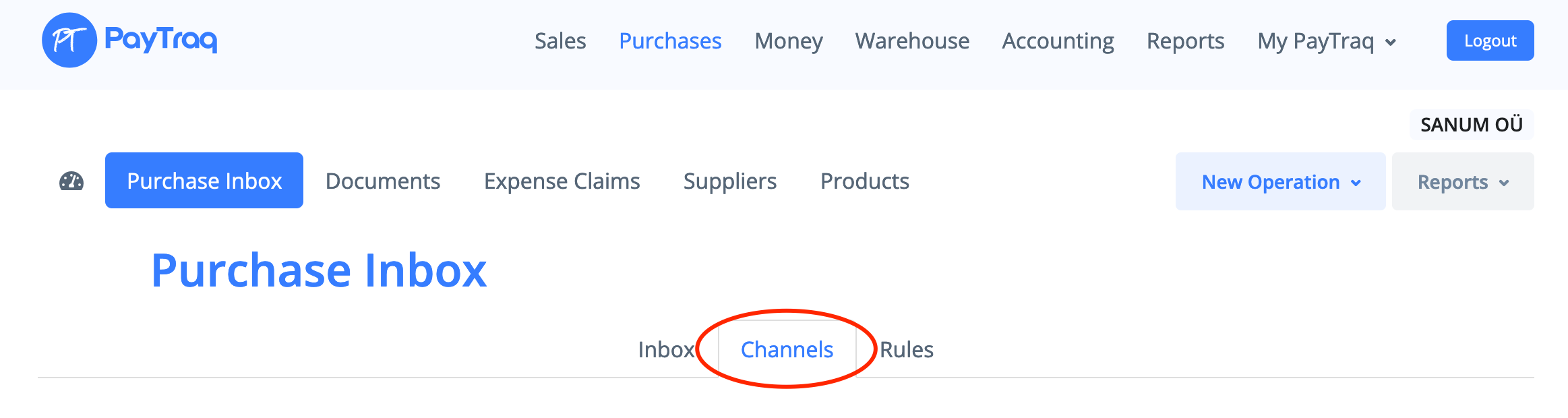
PayTraq Inbox
Any attachments sent to this channel by email will be automatically received. All files will appear in your Inbox and will be available for preview.
More information can be found here.
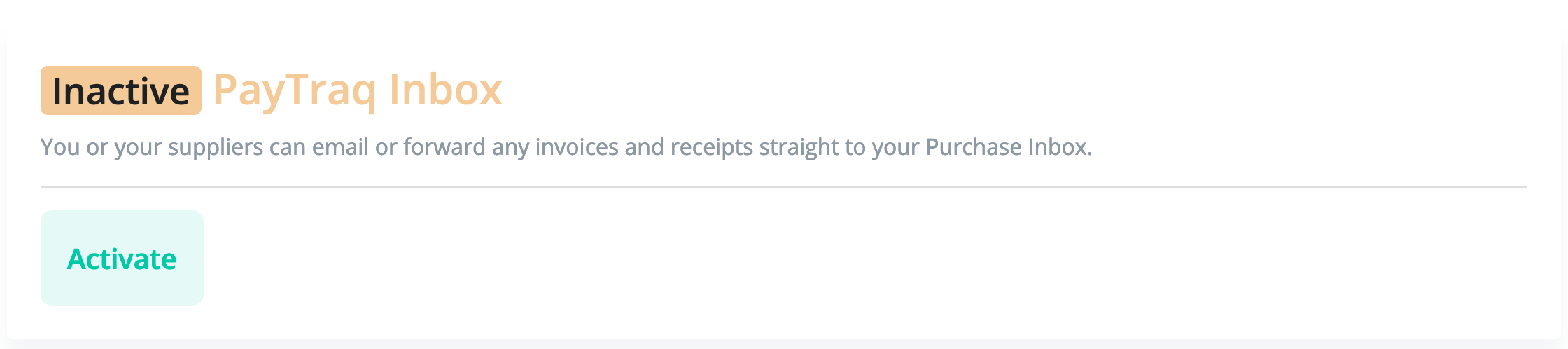
Dropbox
This channel can be used for the integration with Dropbox. Any files saved in App folder will be automatically uploaded and available for preview.
More information can be found here.
PayTraq Direct
This channel is a part of PayTraq e-Invoice Delivery Service and can be used to receive e-invoices from your suppliers.
There are several methods of delivery:
PayTraq to PayTraq (by using Channel ID). More information can be found here.
Dedicated E-mail address.
External service to PayTraq (by using Inbound Webhook)
E-invoice file uploading (Purchase Inbox -> File Uploads)
Supported format: Paytraq XML, Estonian E-invoice format, UBL
Fitek*
This channel can be used for integration with Fitek E-Invoice Operator.
By enabling this channel you will be able to receive and send e-invoices through Fitek platform.
More information can be found here.
*Available only in Latvia
Finbite Invoice Centre (Omniva)*
This channel can be used for integration with Finbite E-Invoice Operator
By enabling this channel you will be able to exchange e-invoices with Finbite Invoice Center.
More information can be found here.
*Available only in Estonia, Latvia and Lithuania
Billberry.ee*
This channel can be used for integration with Billberry E-Invoice Operator
By enabling this channel you will be able to receive and send e-invoices.
More information can be found here.
*Available only in Estonia