

The integrations with the following e-invoice operators are supported:
Fitek (Latvia)
Finbite (Estonia, Latvia, Lithuania)
Billberry (Estonia)
Tronstride/Aigentrix (UAE)
To start receiving and sending e-invoices you need to select one of the supported operators and activate the corresponding integration channel in Purchase Inbox (Purchase -> Purchase Inbox -> Channels).
Before activating any of the channels make sure that you have entered the correct company registration number into your Company Profile.
To enable the option to send e-invoices through an operator, please click on the "Enable e-invoice sending" button (which will be accessible after activation).
Fitek (Latvia)
You will be able to send and receive your e-invoices through FitekIn platform. The number of recipients are limited to the companies registered for this service.
For activation go to Purchase -> Purchase Inbox -> Channels, select Fitek and click on the Activate button.
After activating this channel, please contact Fitek support by email at support.lv@fitek.com to conclude an agreement.

Click Continue.

Finbite (Estonia, Latvia, Lithuania)
You will be able to send and receive your e-invoices through Finbite platform.
For integration with Finbite you need to have an account with Finbite Invoice Center.
Login to Finbite Invoice Center, go to Settings, enable the checkbox "Access to ERP alllowed" and copy the Authorization code.

For activation go to Purchase -> Purchase Inbox -> Channels, select Finbite Invoice Centre and click on the Activate button

Paste the authorization code and click Continue.

Billberry (Estonia)
You will be able to send and receive your e-invoices through Billberry platform.
For activation go to Purchase -> Purchase Inbox -> Channels, select Billberry.ee and click on the Activate button.

Please note that to start sending e-invoices on behalf of your company we need to get the consent of the authorized company representative. This can be done by transferring a small setup fee to our bank account. Make sure to use only the payment details provided for you.
Once the consent will be received you will be able to complete the activation by clicking on Continue

After the activation in order to start receiving of e-invoices you will need to go to the Estonian Business Register to confirm the change of your e-invoice operator.
Tronstride/Aigentrix (UAE)
You will be able to send and receive your e-invoices through the Aigentrix platform.
For integration, you need to have an account with Tronstride for the same company.
Log in to https://app.aigentrix.ai/, go to Settings and generate an API key for your company.
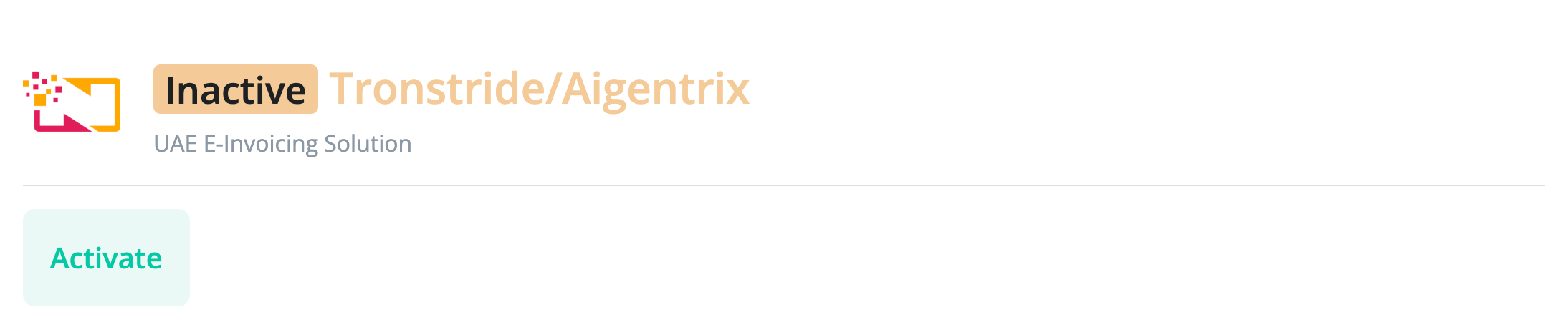
For activation, go to Purchase -> Purchase Inbox -> Channels, select Tronstride/Aigentrix and click on the Activate button.
Paste the API key into the Authentication code field and click Continue.
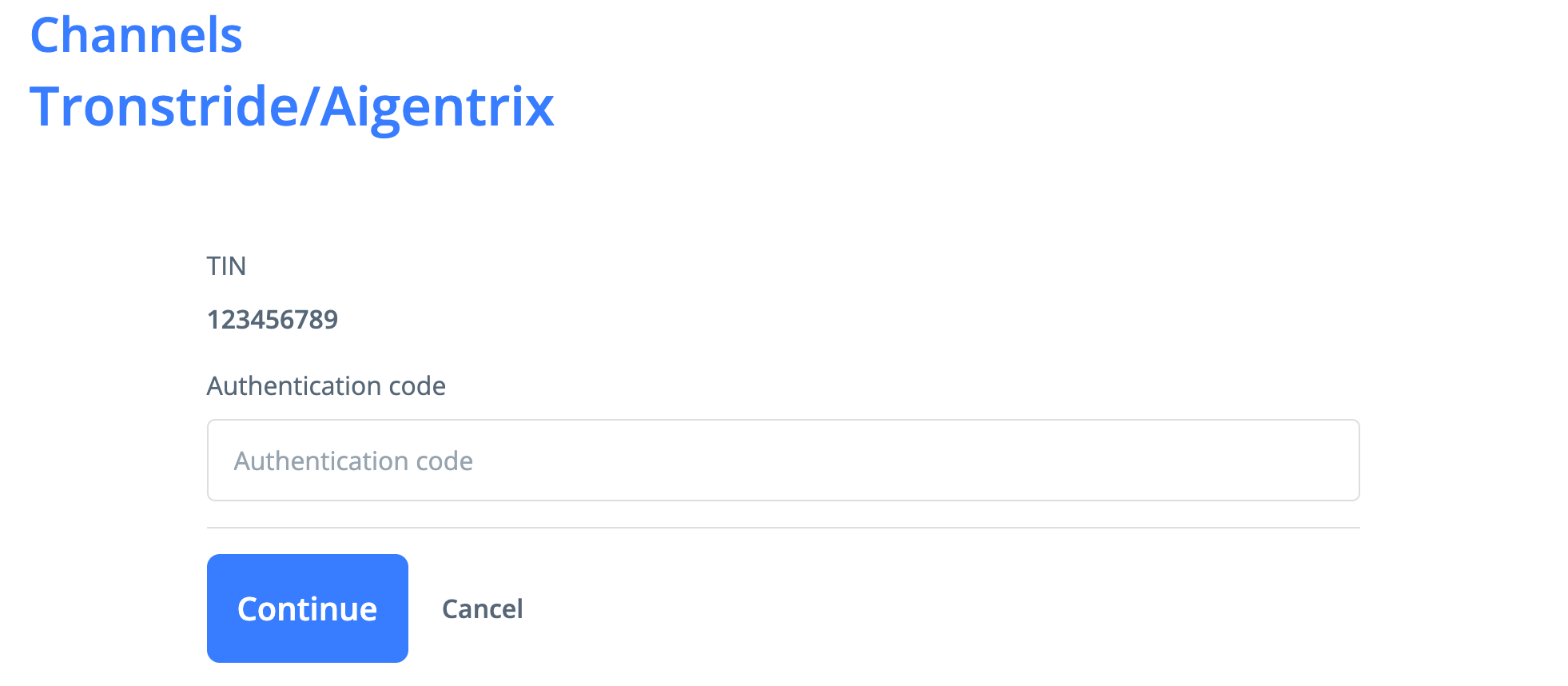
The company is looked up by TIN or TRN. Make sure that these fields are not empty in your company profile. If the company is not found, the activation will fail.
The integration uses your default environment (Sandbox or Live) as it was when you set up the connection. If you change your default environment afterward, you will need to deactivate the channel and then activate it again.
An inbound webhook is created automatically for the environment stored in the connection. It receives incoming invoices and records status changes for outbound invoices.
Outbound invoices are delivered to the environment stored in the connection. You can view a status timeline for each outbound invoice on the E-Invoice Status page.