

1) You can only delete the unpaid invoice. In other case you have to delete all payments first.
2) Go to Documents and search for the invoice you need to delete. Open it.
3) Click "Delete" and then confirm your choice.
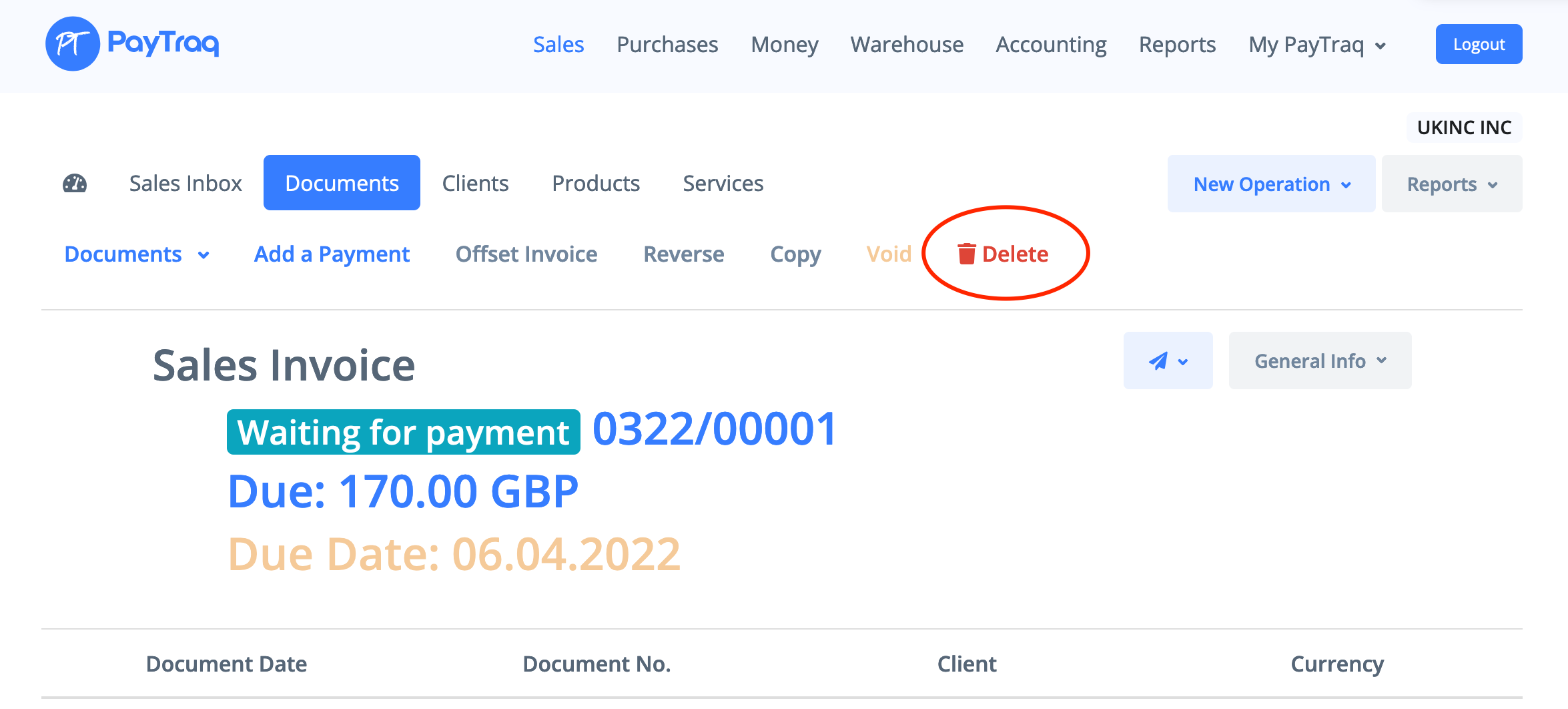
4) Invoice and journal entries will be permanently removed.