
A company profile can be deleted only by the primary user
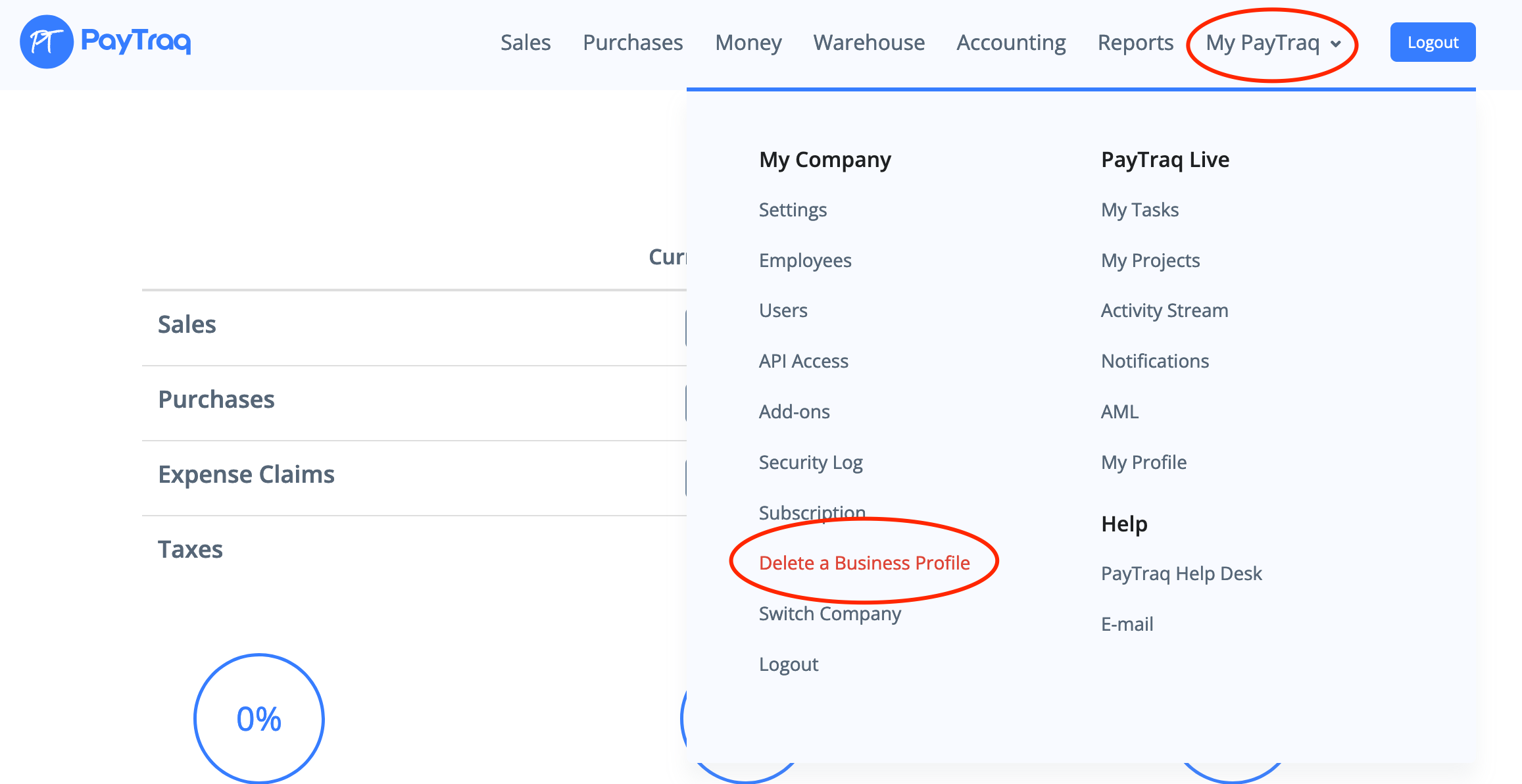
To delete a company profile go to My PayTraq -> Delete a Business Profile
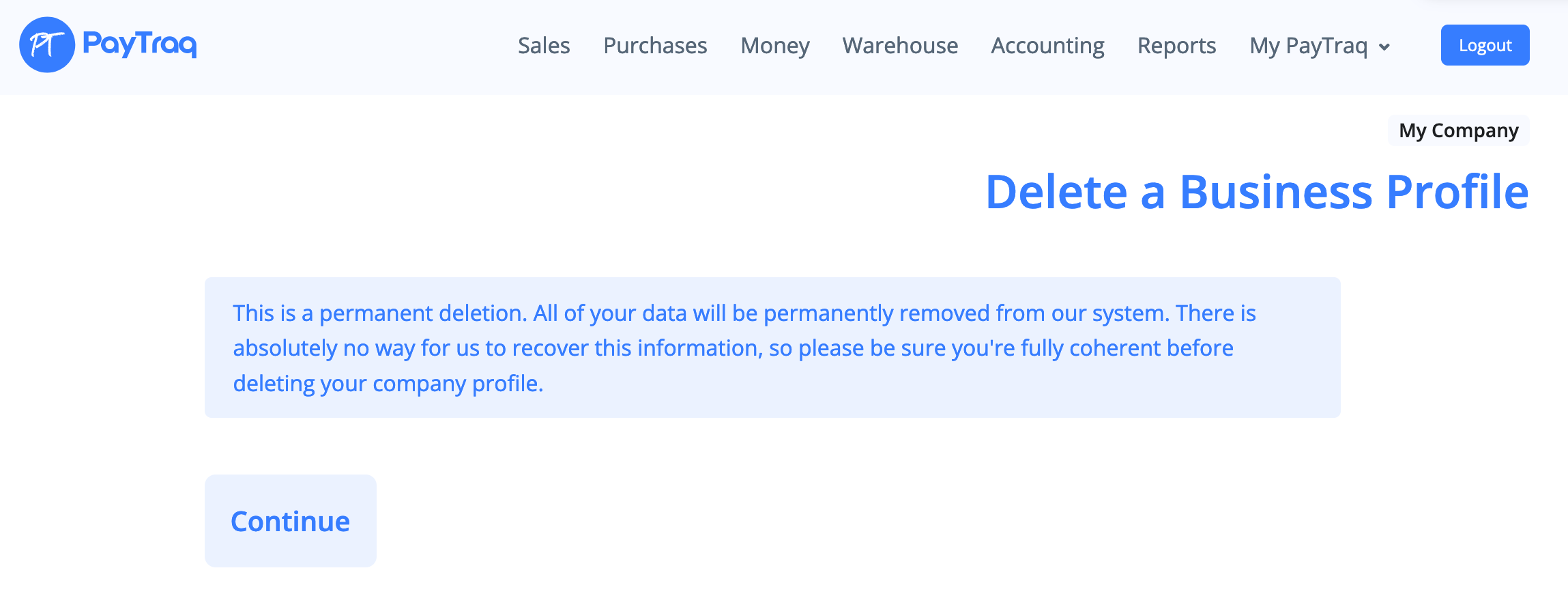
Click Continue
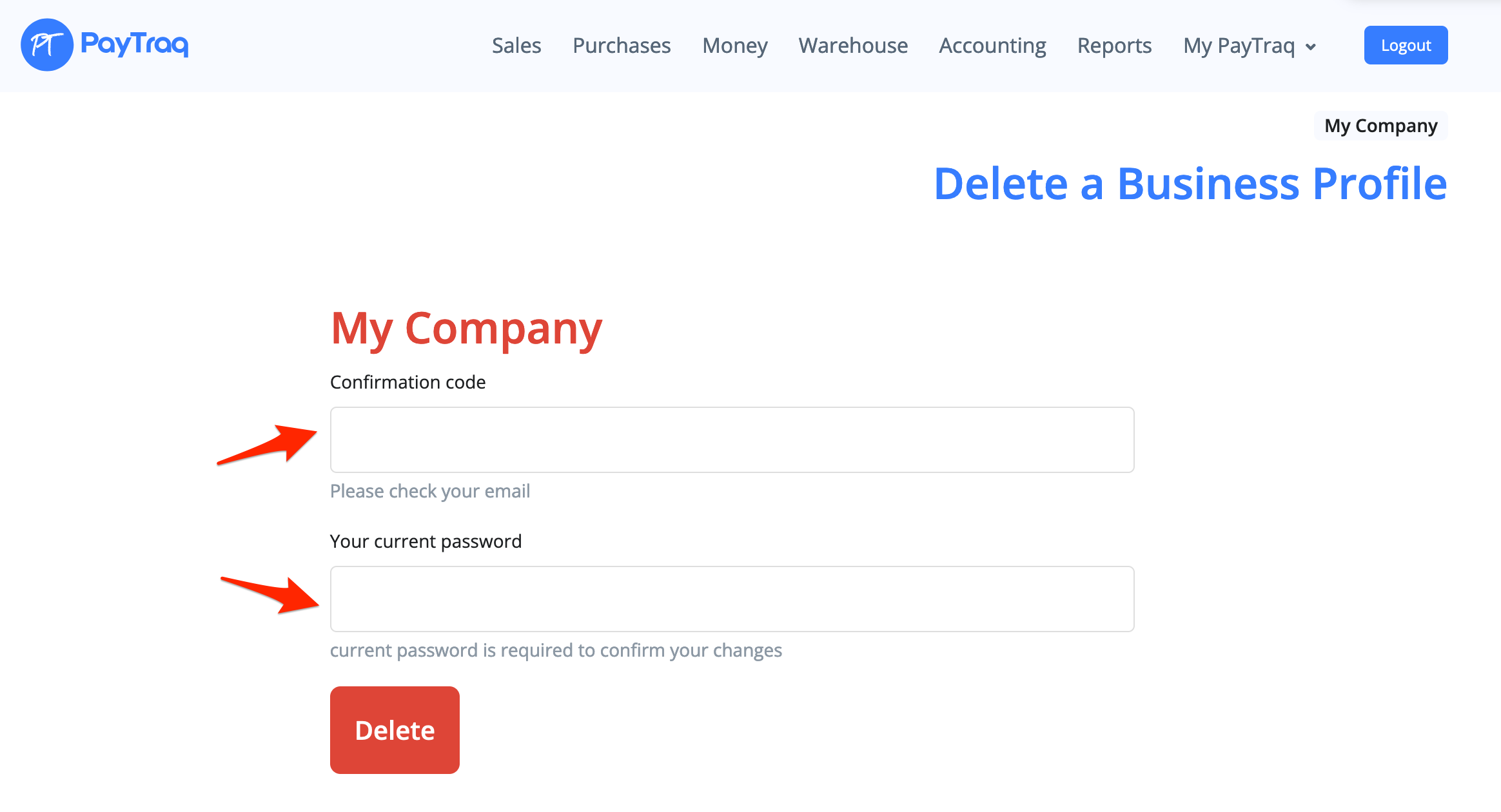
A confirmation code will then be sent to the primary user's email address. Deleting a profile must be confirmed with the received code and the current password.