
By default the number of records per page in the list is 10.
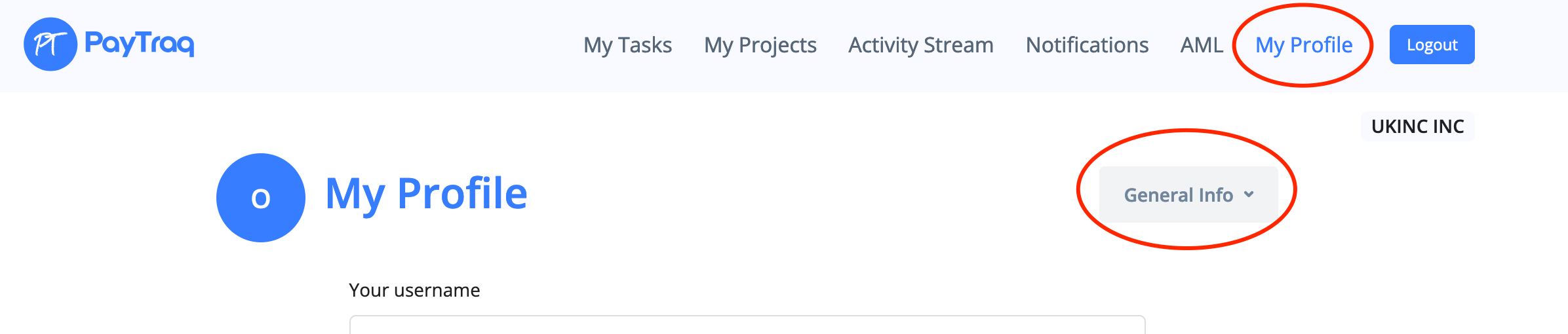
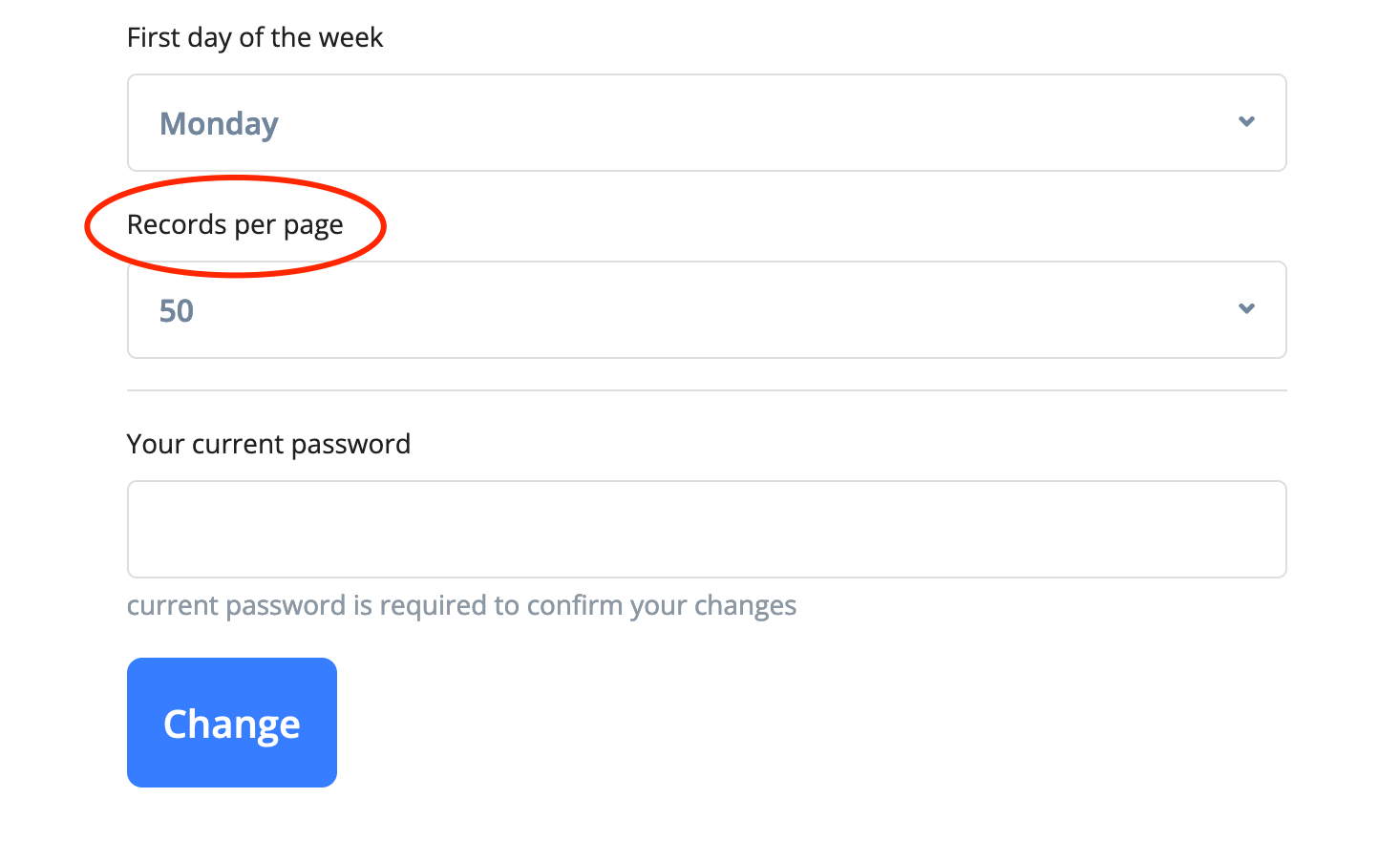
You can change it to 25, 50 or 100 by going to My Profile -> General Info -> Records per page

How can we help?
PayTraq Customer Support
General Questions
Last updated on 07 Mar, 2022
By default the number of records per page in the list is 10.
You can change it to 25, 50 or 100 by going to My Profile -> General Info -> Records per page