
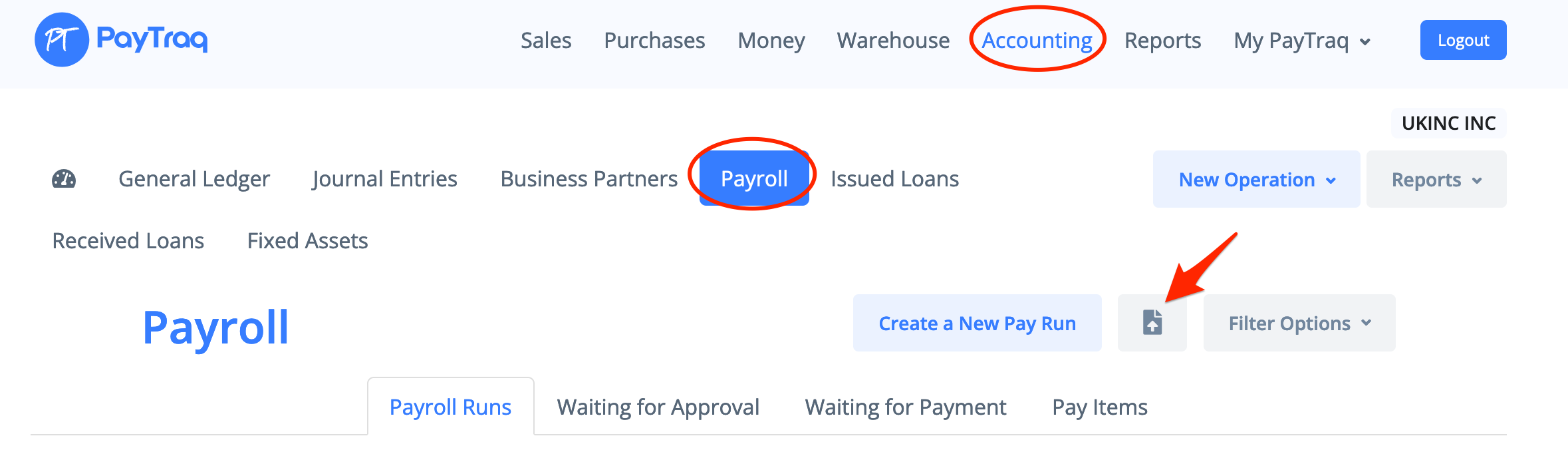
Select Accounting -> New Operation -> Import a New Pay Run or go to Accounting -> Payroll and click on the import icon.
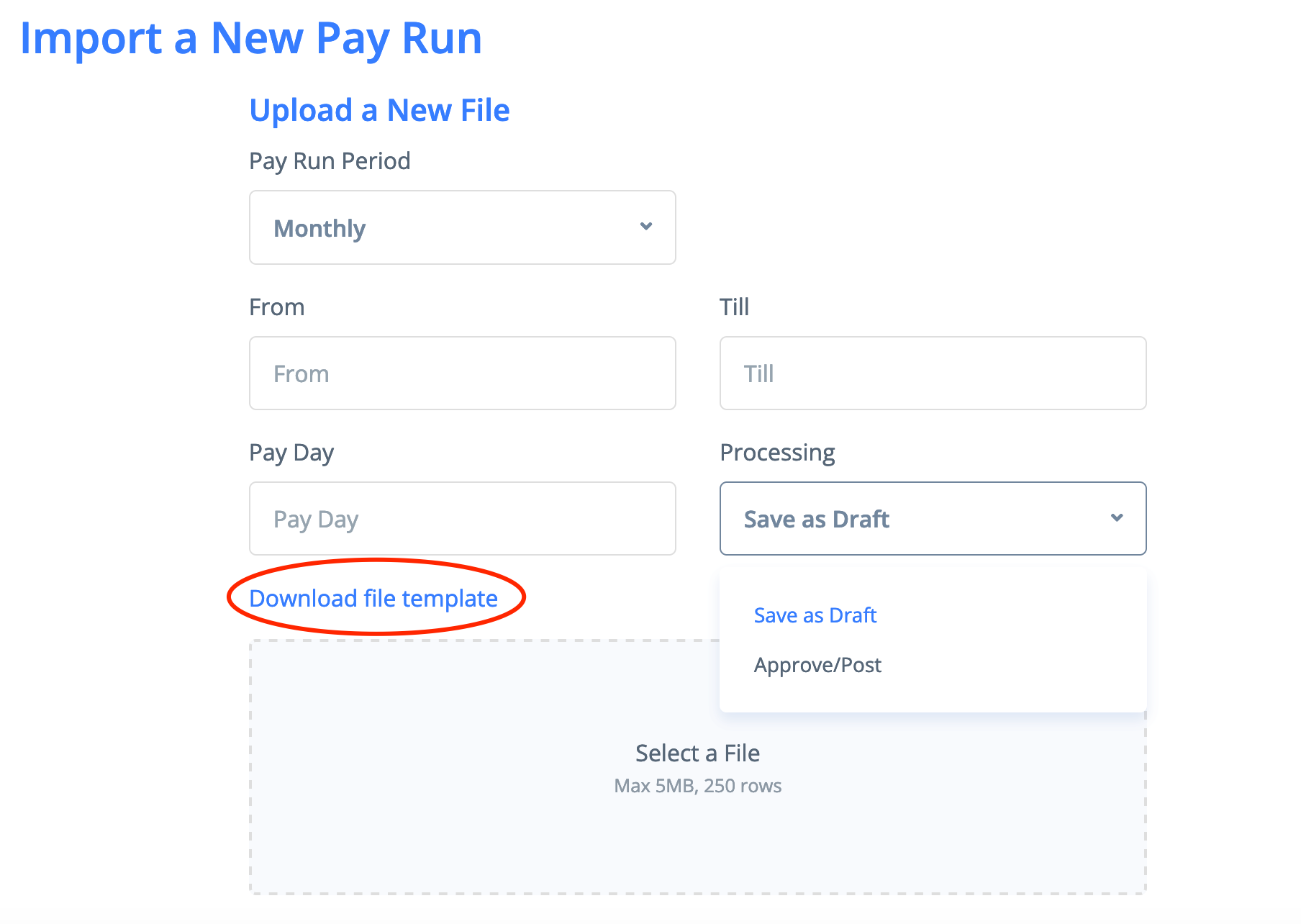
Fill out the form and upload your CSV file with pay run. You can save the CSV file template using the link Download file template
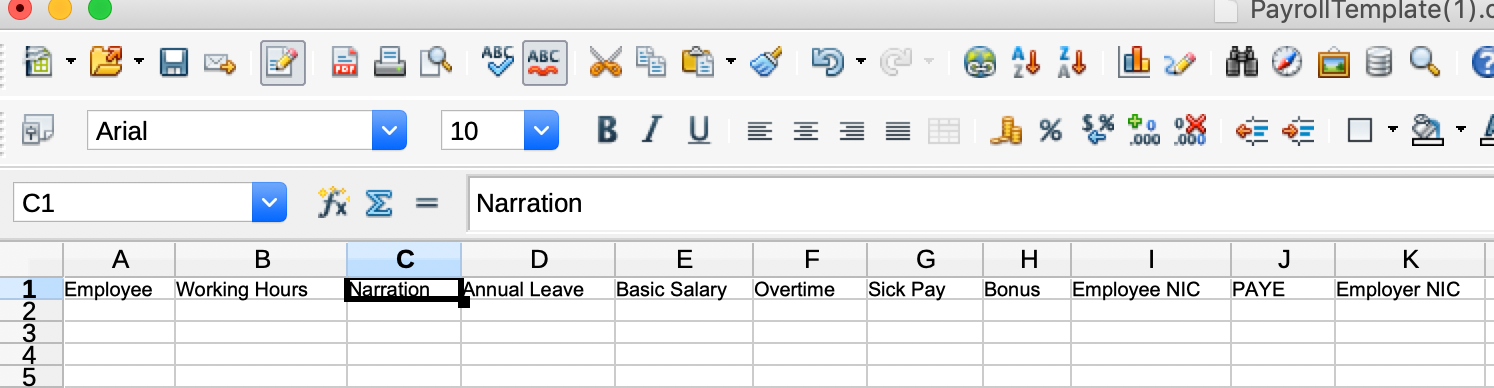
The payroll import file consists of employee name, working hours, narration and pay items. If an employee is not found, it will be created.