

Telema Channel in the Sales Inbox
This channel can be used for integration with Telema EDI Supplier and includes such features as automatic receipt of orders from your clients, as well as sending electronic invoices that are created in PayTraq based on the received orders.
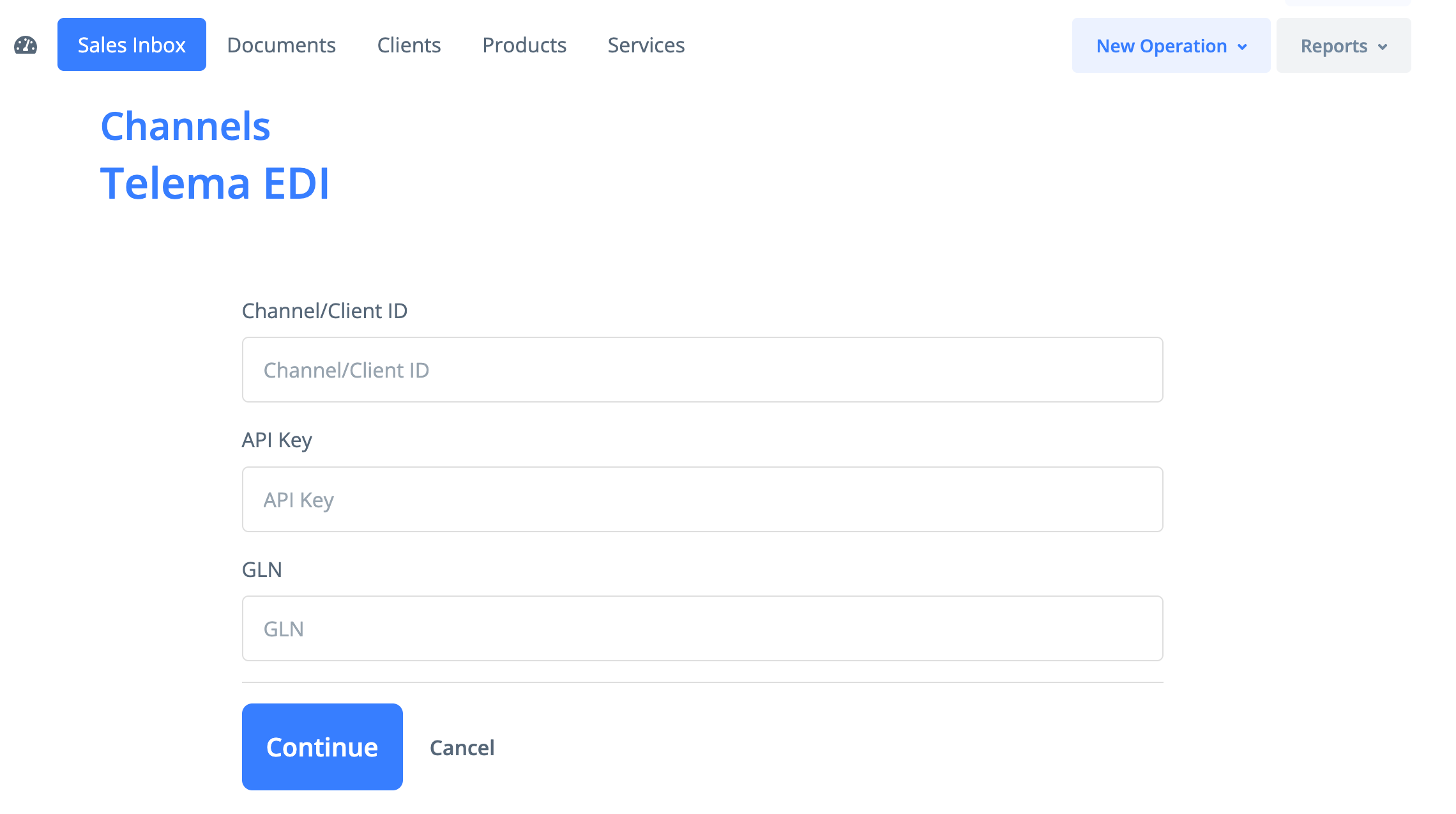
To activate the channel, go to Sales -> Sales Inbox -> Channels.

To activate the channel, you need to specify your Channel ID and API key, which you can obtain from the Telema portal.
If your company has a GLN number, it must also be entered before activation.
After activation, all new orders received from your clients via Telema will be automatically created with the Draft status.
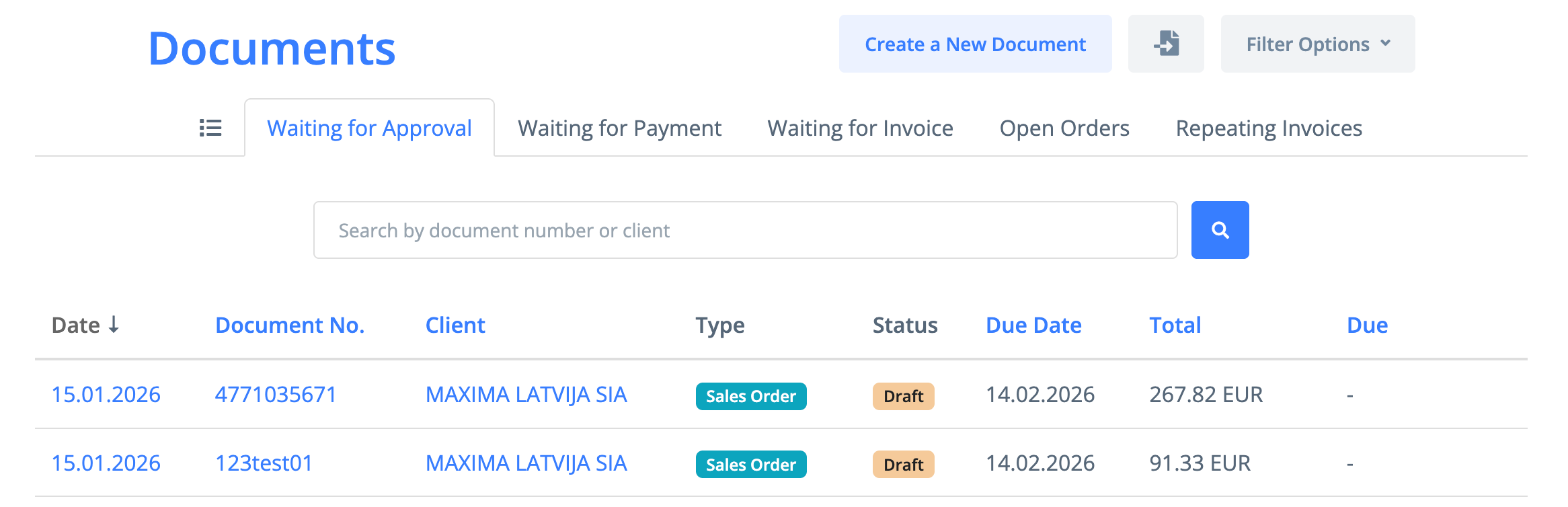
Data synchronization takes place once per hour.
If a client is not found when receiving an order, the client will be created automatically.
When an order is received from a client for the first time, the GLN number specified in the order is saved for that client, and the option to send electronic invoices via the Telema channel is activated.
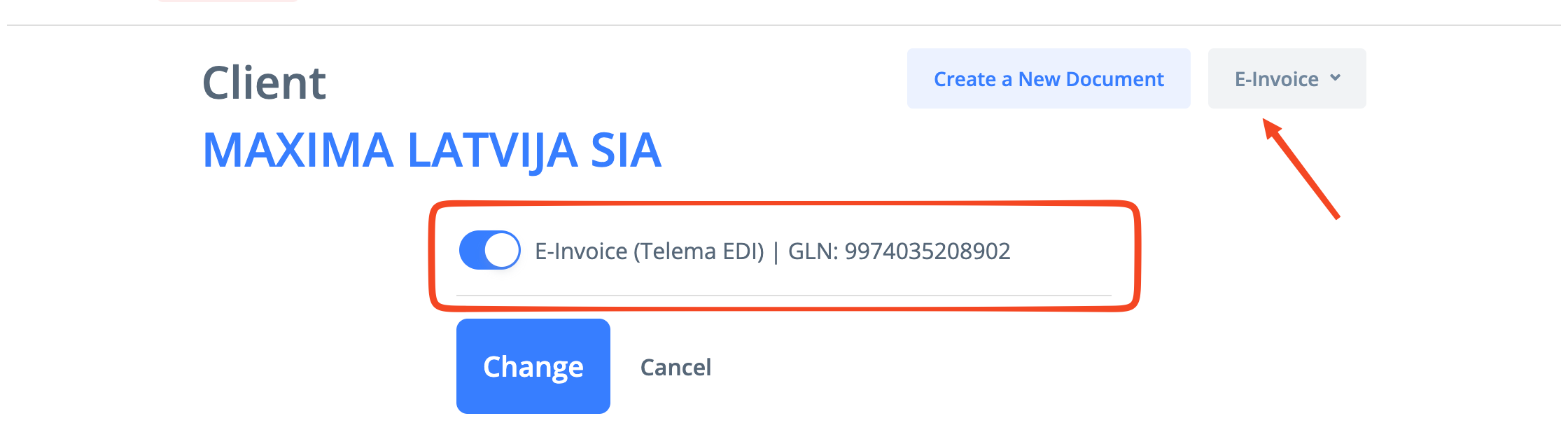
If a delivery address is not found, it will also be created for the customer and the corresponding GLN number will be assigned to it.
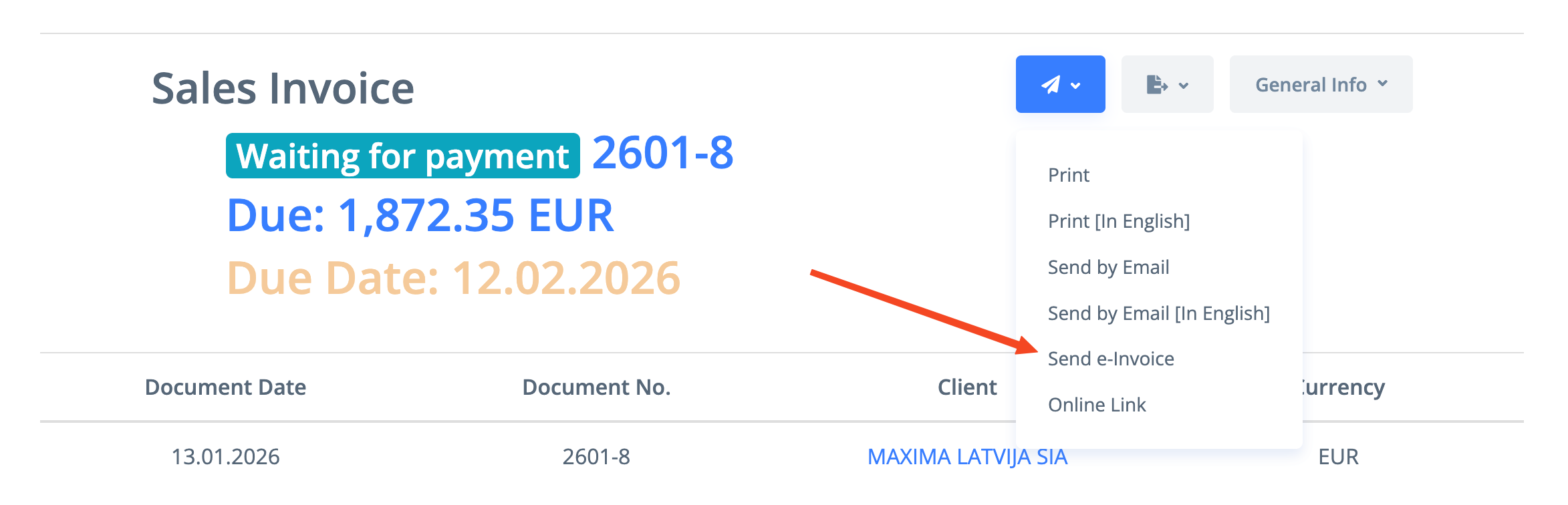
After confirming the order and creating an invoice from it, the invoice can be sent to the client as an electronic invoice.
This can be done in the same way as for other electronic invoice delivery channels.
The e-invoice can be sent by clicking "Send e-invoice" or by selecting "Send e-invoice" checkbox when sending the invoice by email.
The delivery status of the e-invoice can be viewed in the "Message Log" section.