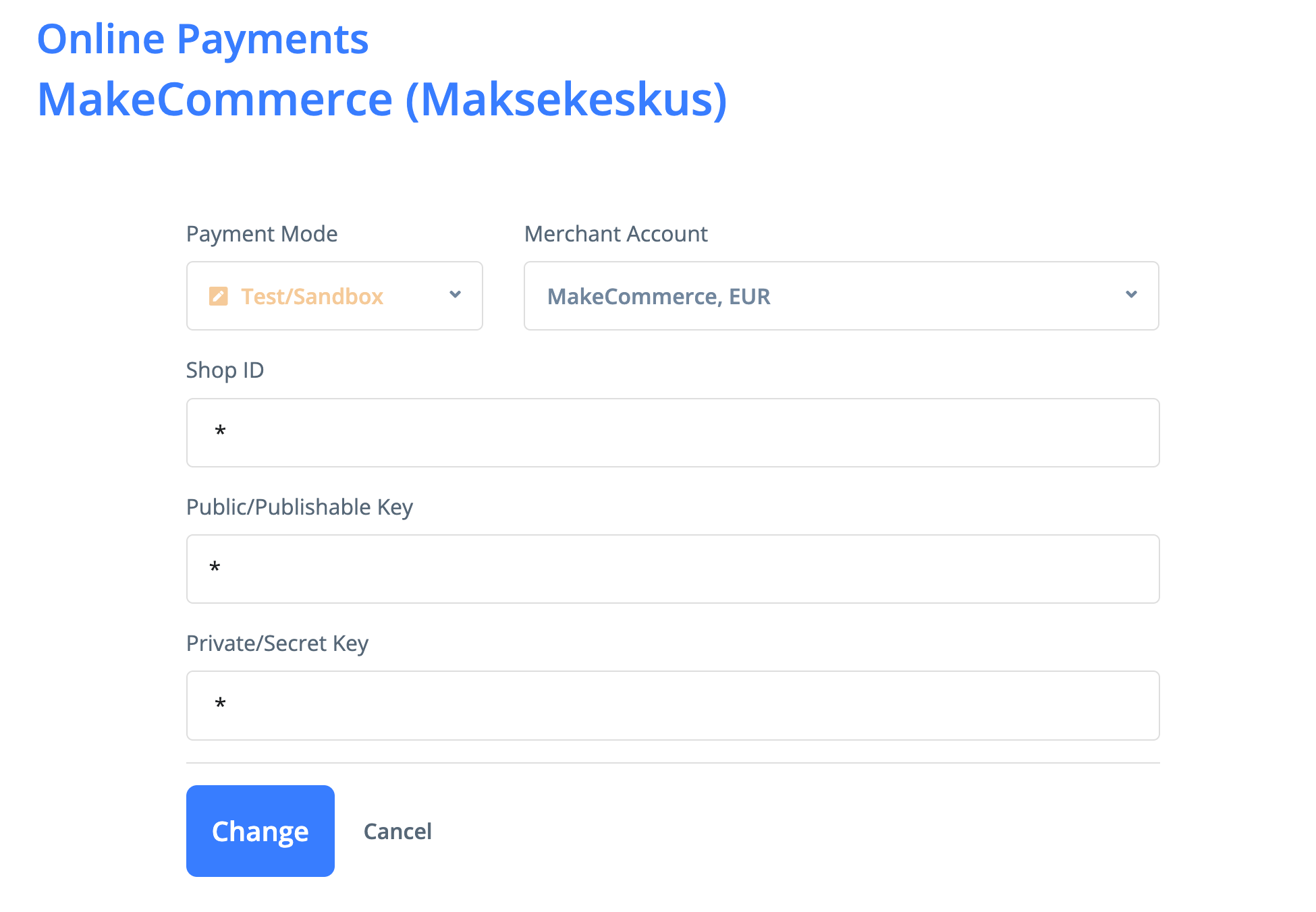

You can accept online payments directly from the invoice link using MakeCommerce.
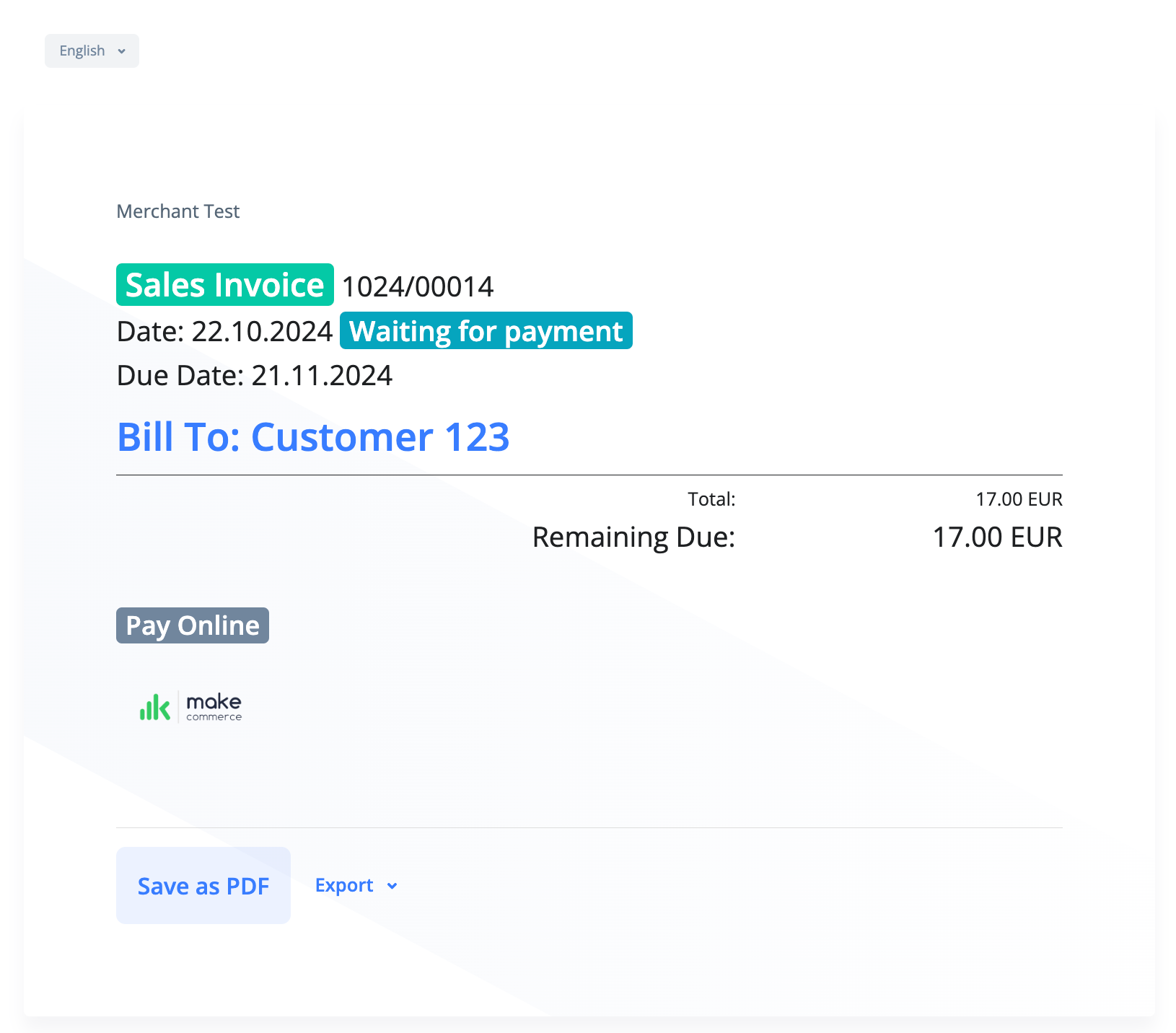
To begin accepting online payments through MakeCommerce, ensure you have an active account with them. MakeCommerce supports payments via both cards and bank links.
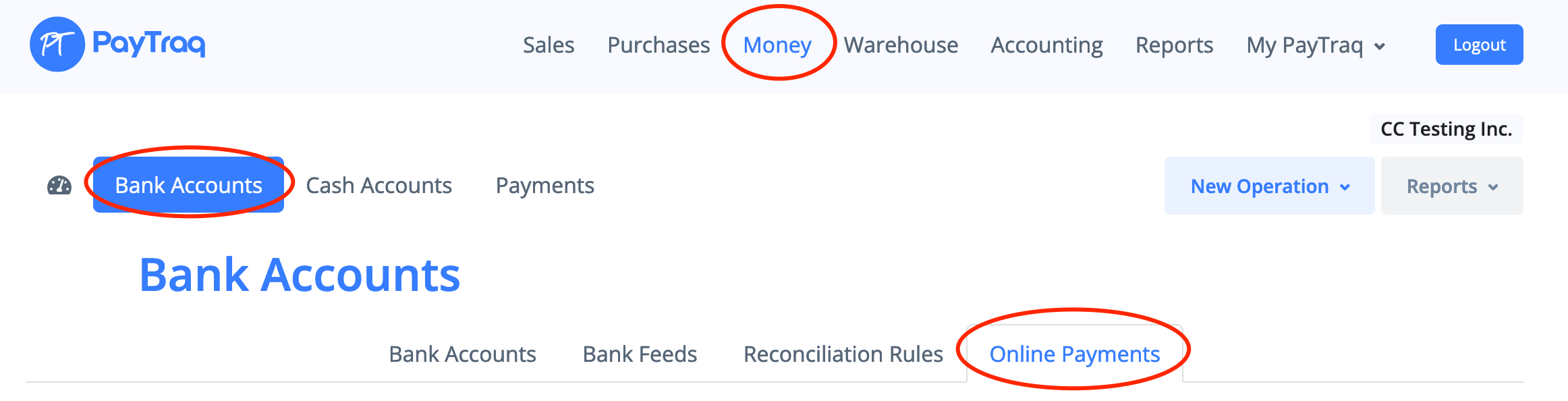
To start accepting online payments with MakeCommerce, first enable this feature in PayTraq by going to Money -> Bank Accounts -> Online Payments.
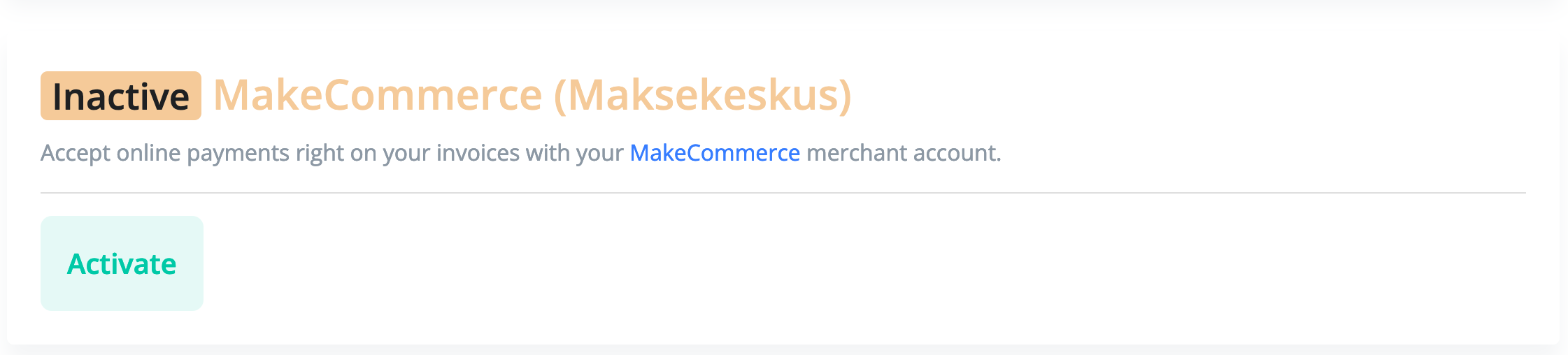
Then activate the MakeCommerce integration by clicking the Activate button.
Please note that before activation you need to create a new bank account in PayTraq with the type set to "Merchant Account". This account will be used to record collected payments.