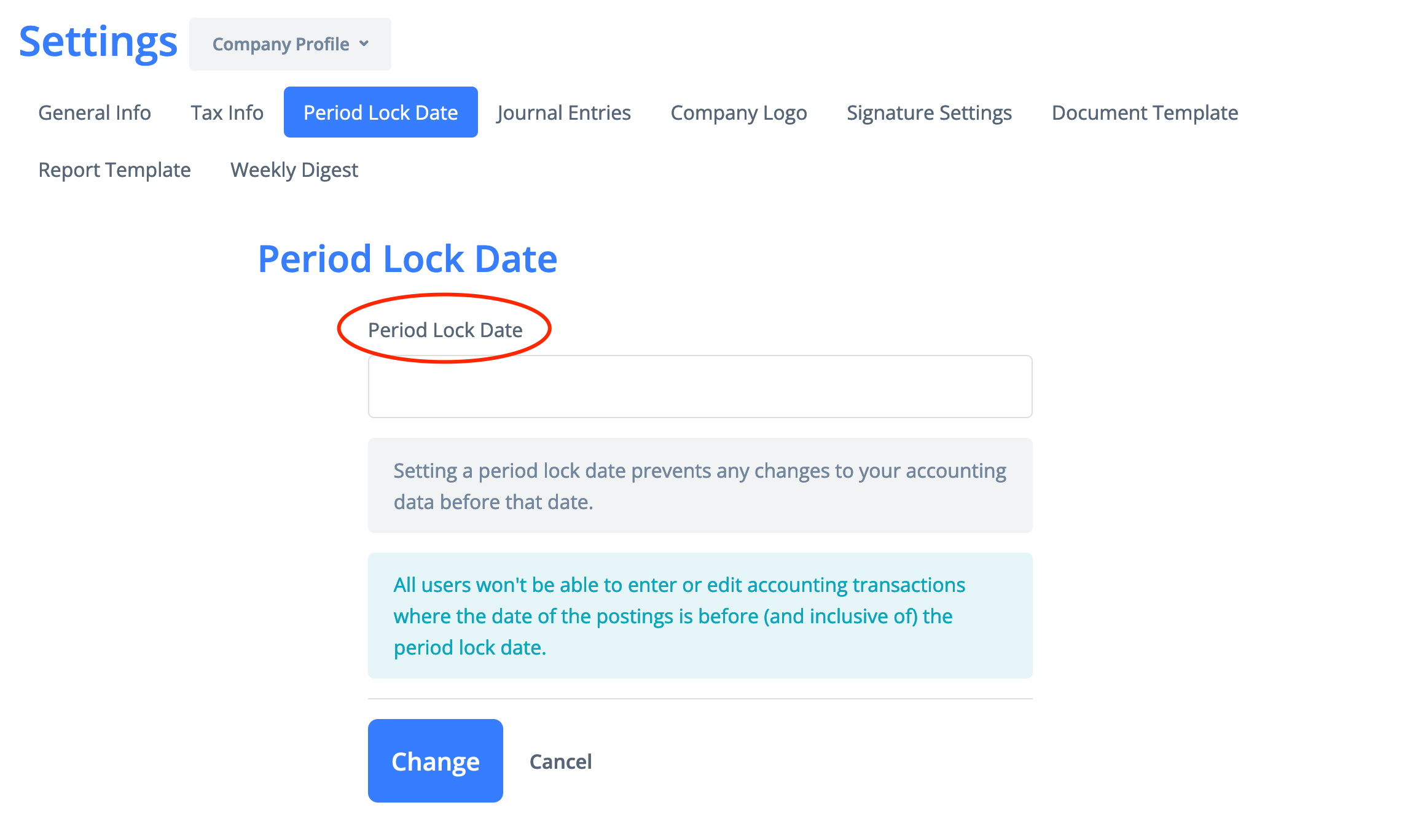

Period Lock Date
Before a lock date can be set, all journal entries in the lock period should be approved.
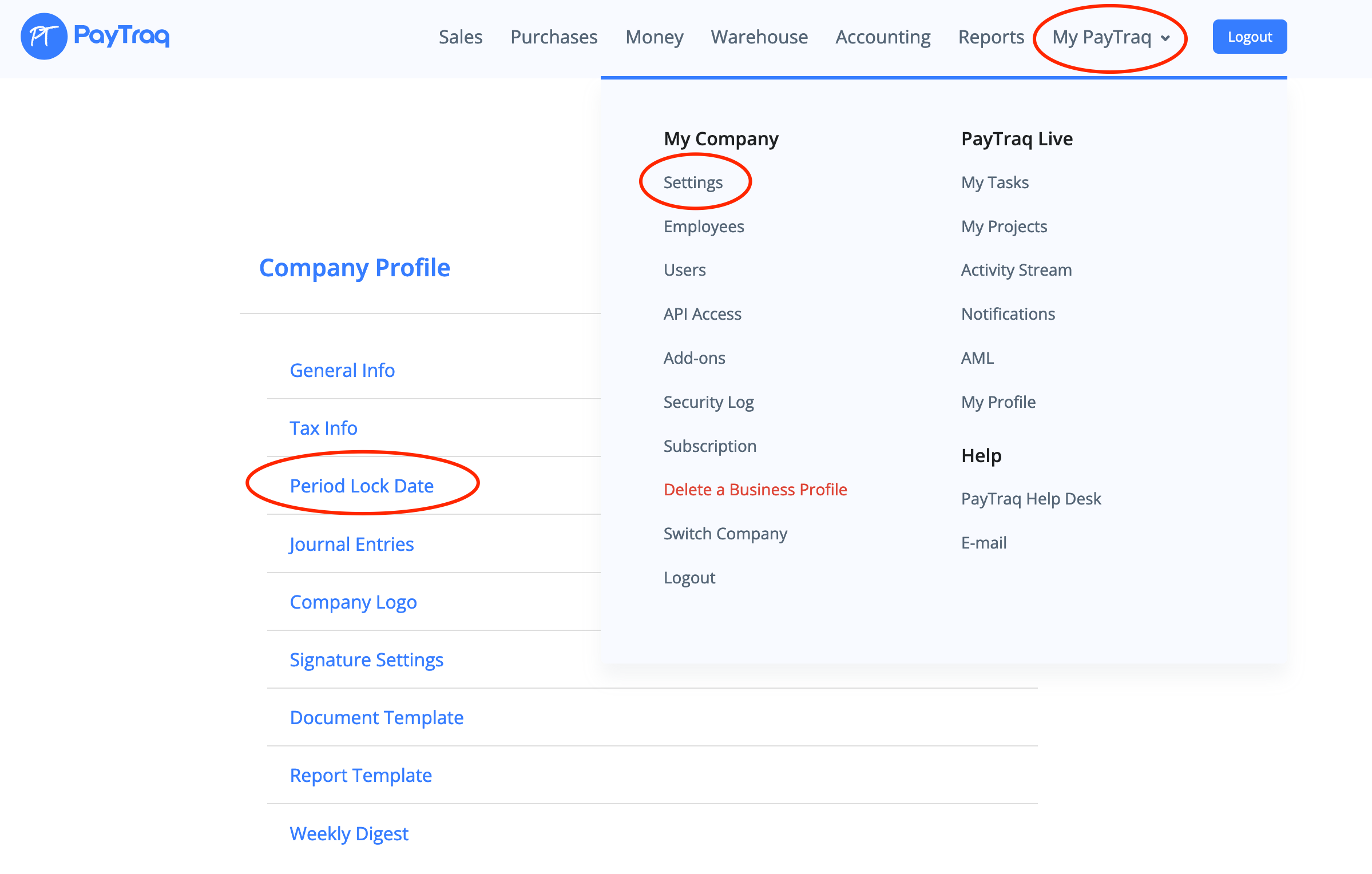
1) Go to My PayTraq -> My Company -> Settings -> Company Profile -> Period Lock Date
2) Enter the new period lock date and click on the "Change" button.