
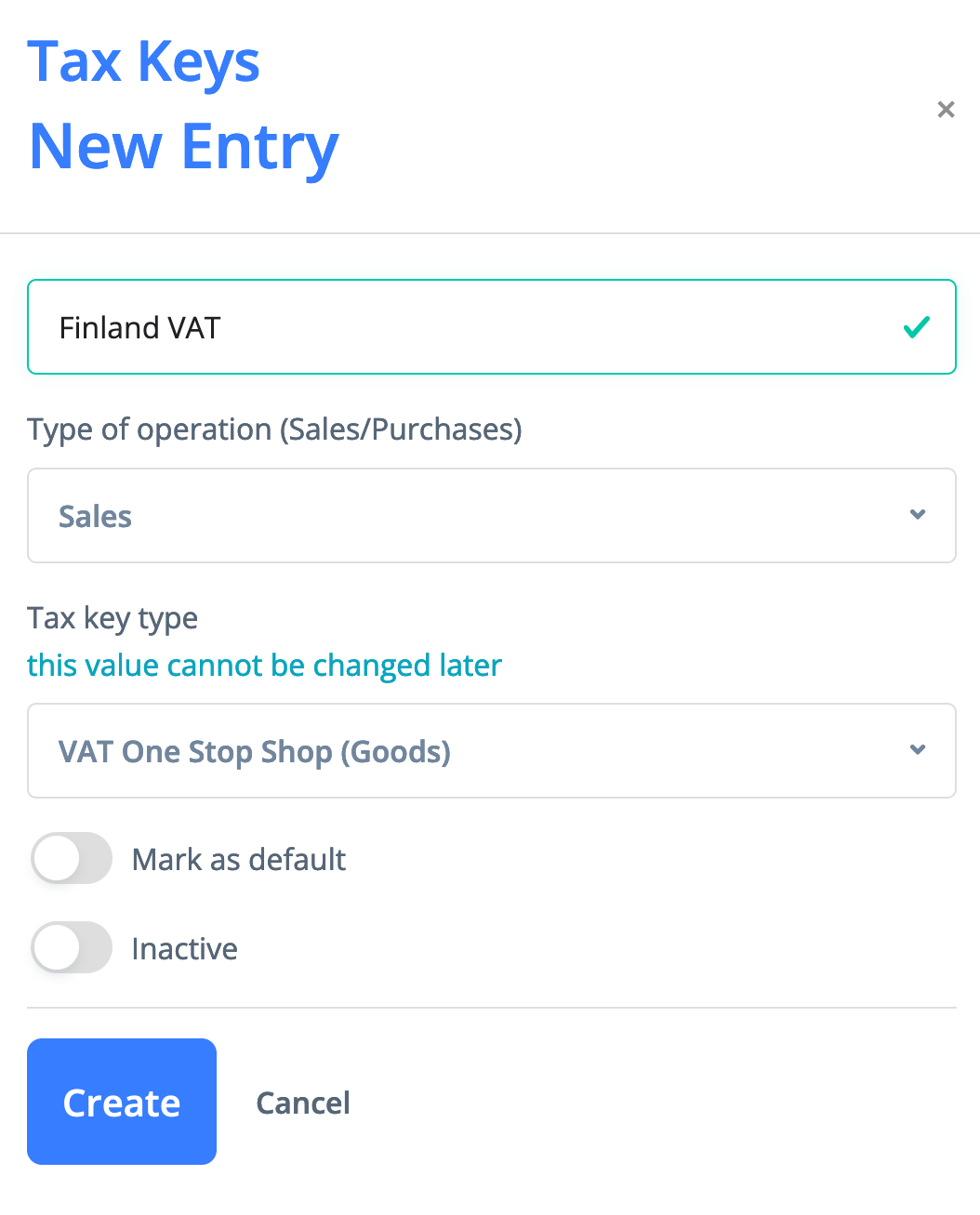
For each EU country where goods are sold, you need to create a separate tax key with the type "VAT One Stop Shop (Goods)"
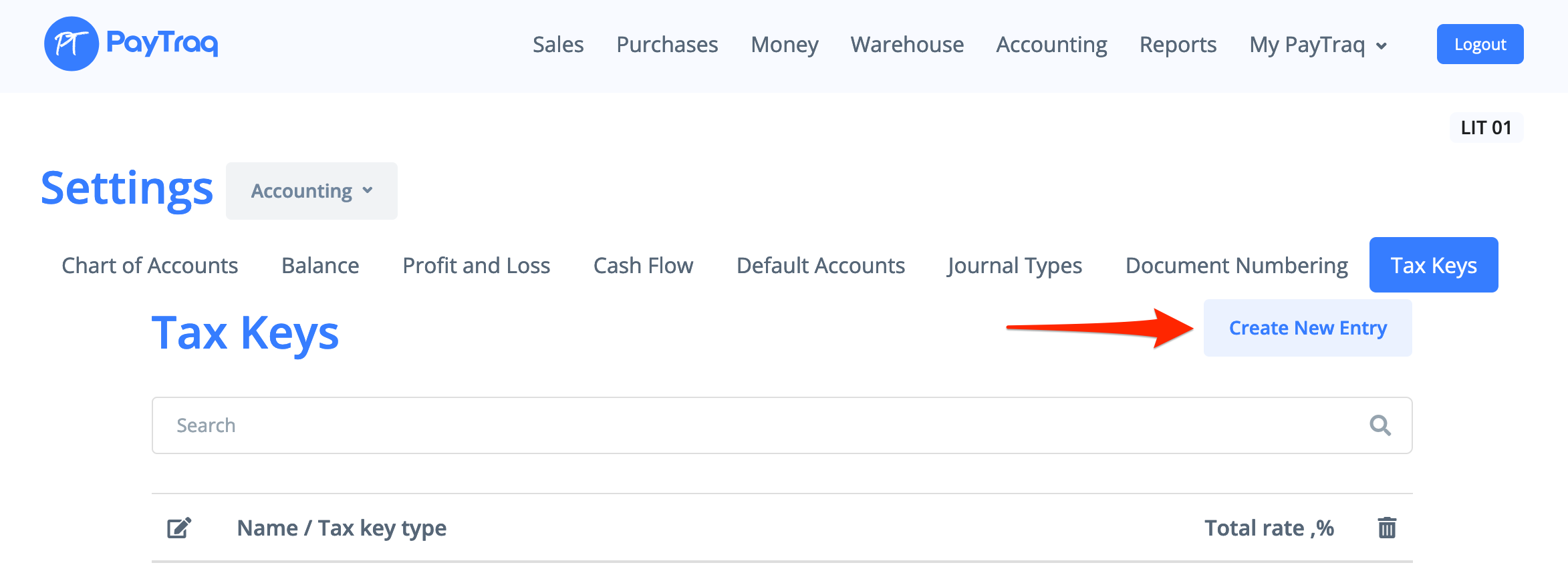
A new tax key can be created from Setting -> Accounting -> Tax Keys
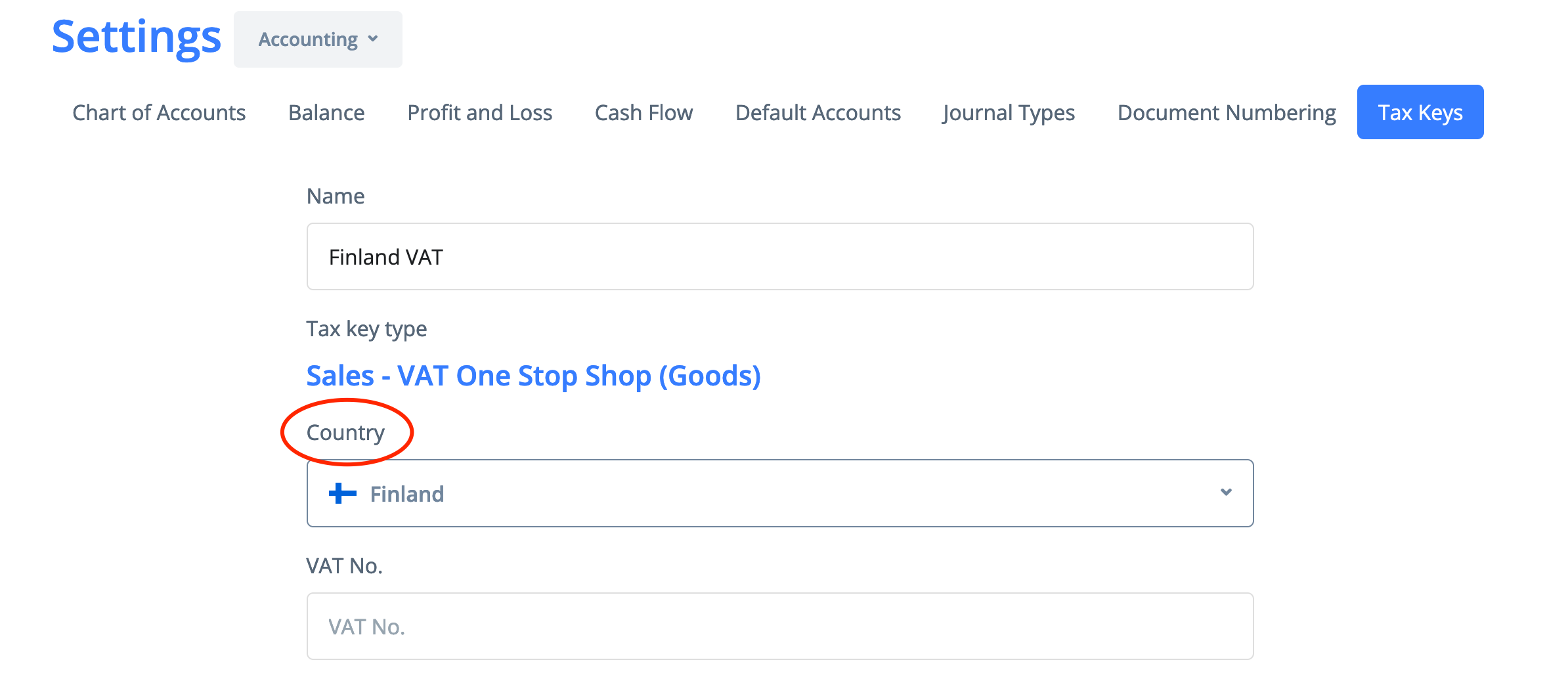
Make sure to select country on the next step and click "Change" after that.
It is also recommended to use a different VAT payable account for such tax key type.
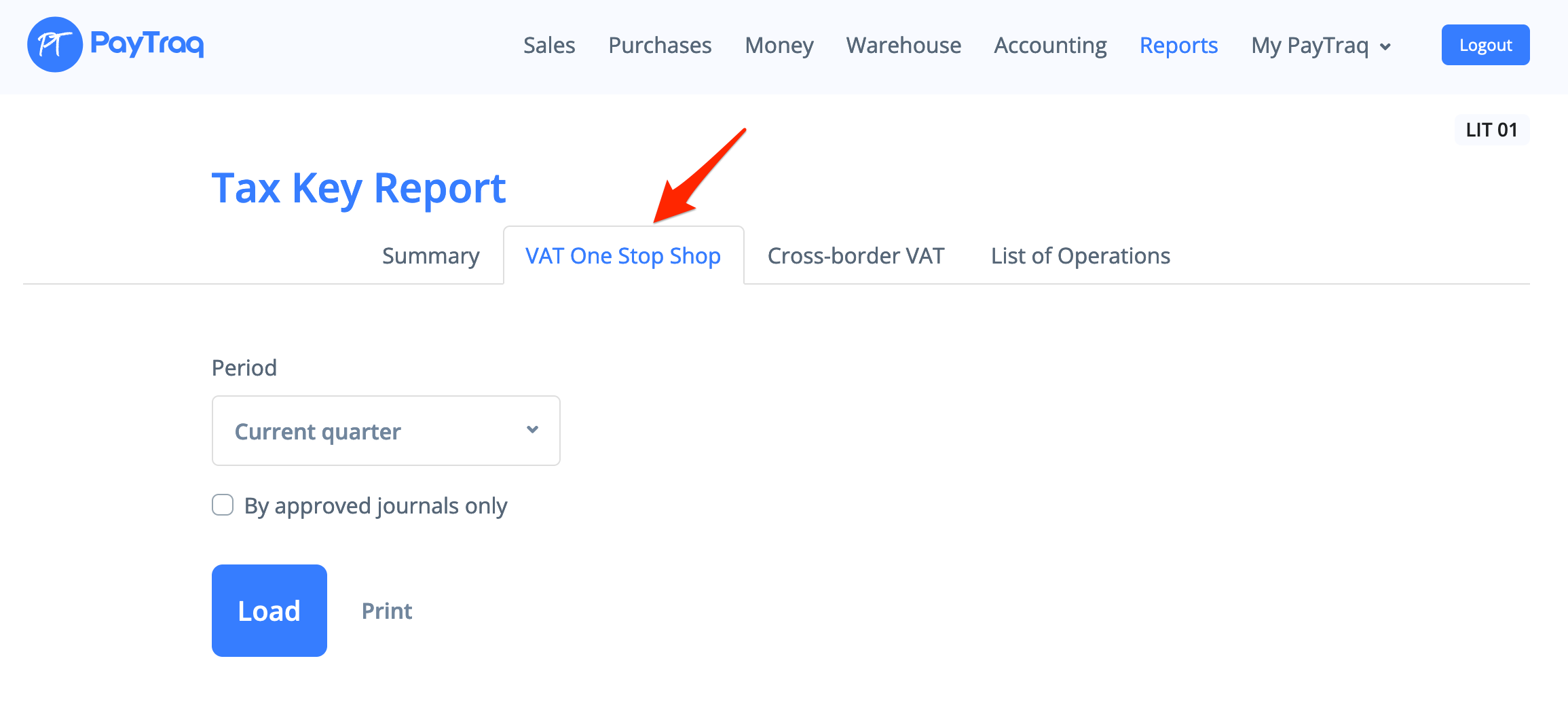
The transactions under OSS scheme will be shown in the separate tab of the Tax Key Report