
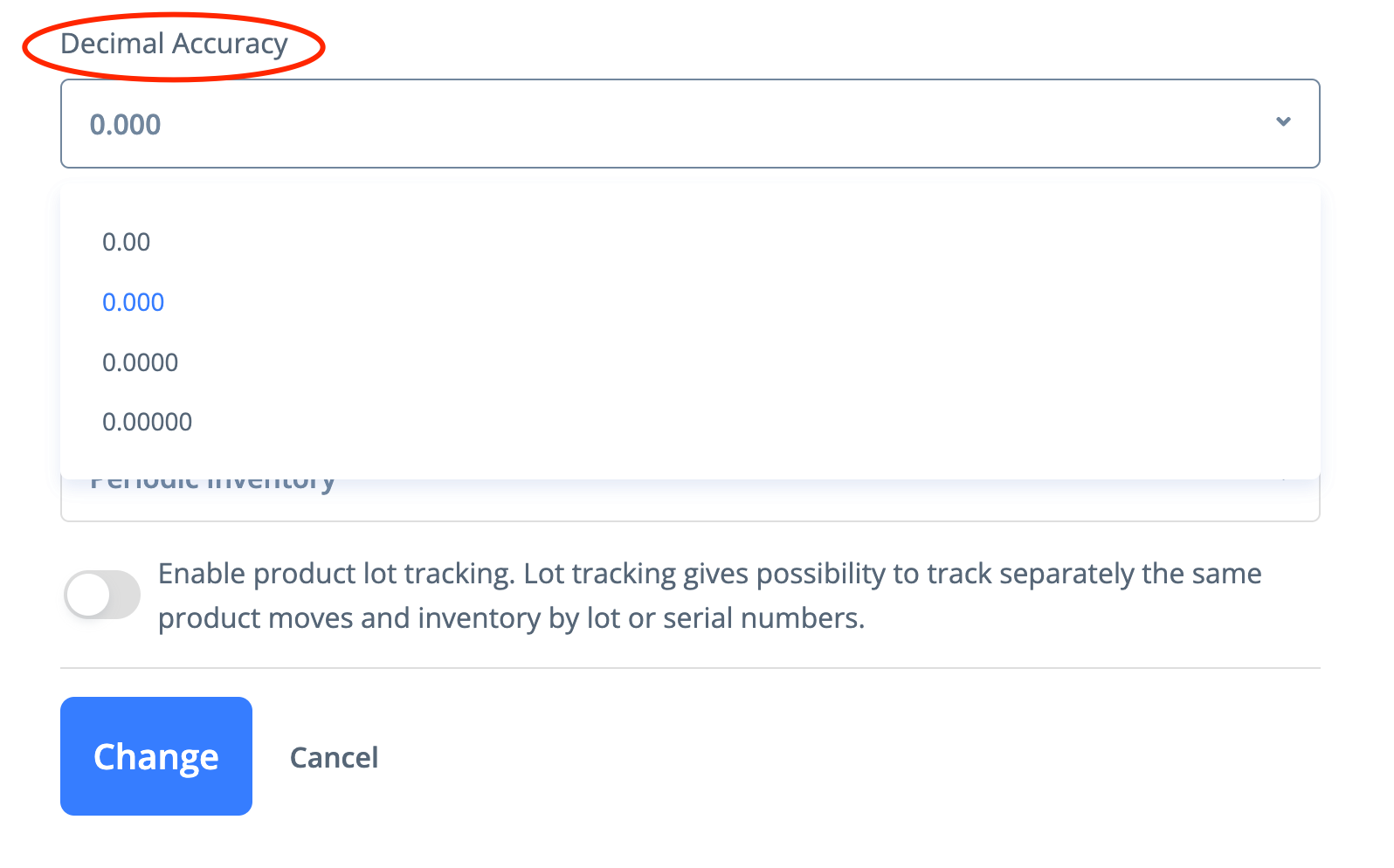
The default rounding accuracy is 3 decimal places. The maximum rounding accuracy is up to 5 decimal places.
Based on your needs you can adjust the decimal accuracy by going to My PayTraq -> Settings -> Company Profile -> General Info

How can we help?
PayTraq Customer Support
General Questions
Last updated on 24 Jan, 2026
The default rounding accuracy is 3 decimal places. The maximum rounding accuracy is up to 5 decimal places.
Based on your needs you can adjust the decimal accuracy by going to My PayTraq -> Settings -> Company Profile -> General Info